Counter-Strike Global Offensive TTT Server Few playermodels producing massive error box?

Asda

I made one post
Joined
Jan 2, 2017
Messages
4
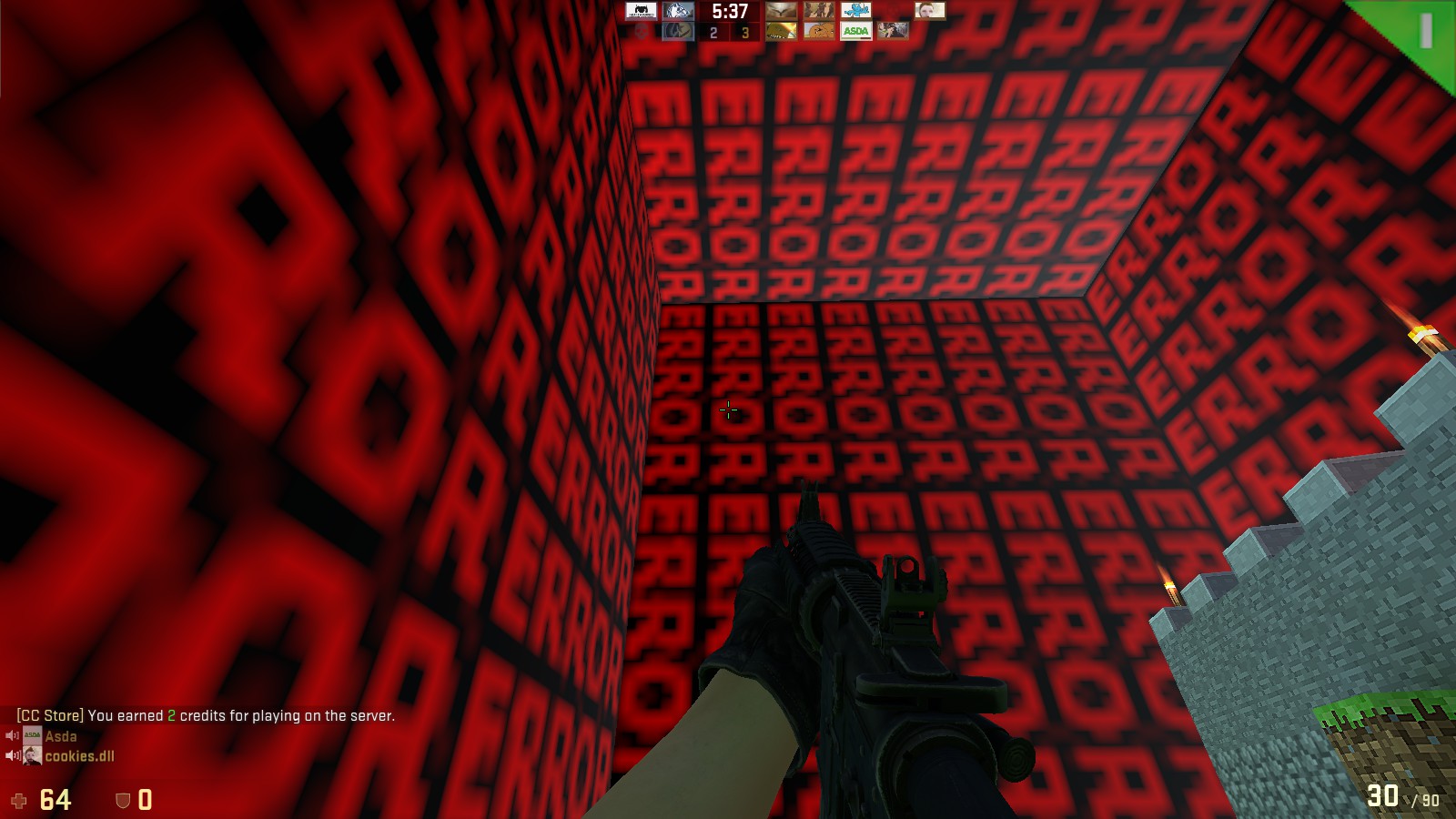
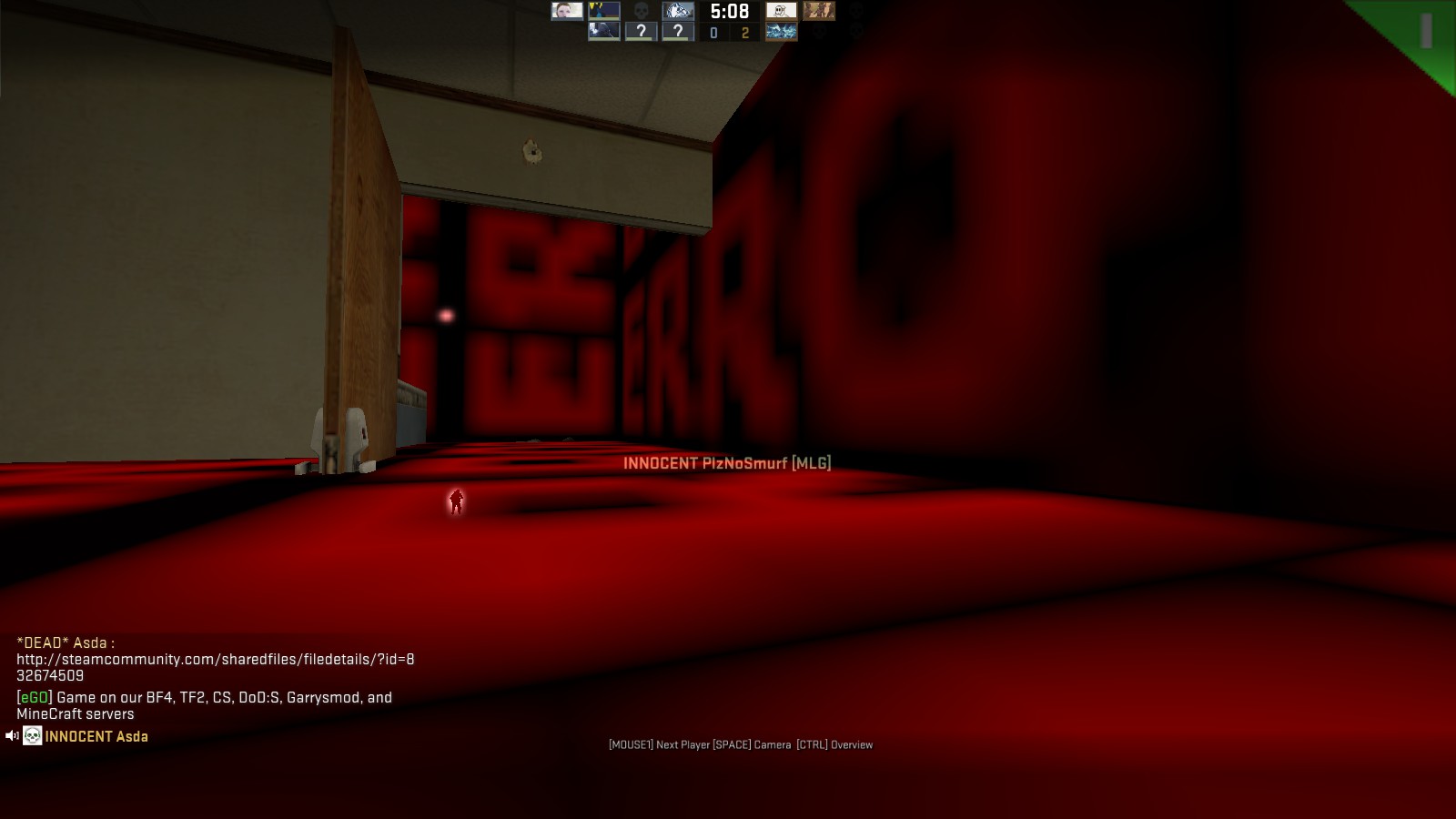
Throughout my time on the server I have had multiple errors with 1 or 2 player models where instead of displaying there model a massive error box is shown affecting my gameplay due to it being so big I cannot see people at times but they can see me so I die. It is also incredibly annoying.

Here are some screenshots:
D02F38CBD888F3CC2ECBD54161EAB24935D52F73


A21FEDB015470961B6C195B7924828E4333E73CF


6B7A9729FC5A0356C866F59A09129D1539B6BD83


75CB178DEA0CDC7F10E95836185907388BD5012F
 
Cant see the screenshots.
Here are some possible ways you may be able to fix:
1. Reinstall game
2. Verify Integrity Cache (Open Steam, go into library, click on CsGo, go down to properties and under Local Files, you should find Verify Cache.

Thats all I know. Hopefully it works and you can start playing ttt again.
 
Imo, you should delete the player models in the cs:go game files and let it redownload. If it is still happening after that, you should find all the player models on gamebanana. Then manually insert them.
 
Imo, you should delete the player models in the cs:go game files and let it redownload. If it is still happening after that, you should find all the player models on gamebanana. Then manually insert them.

you're alive?!??!?!?!
 
Last edited:
Imo, you should delete the player models in the cs:go game files and let it redownload. If it is still happening after that, you should find all the player models on gamebanana. Then manually insert them.

I don't think you can delete materials/models that are included in the game outside of deleting random .vpk files. Best bet is to verify cache if its a problem with a model already in the game. If its a problem with a custom model included in the map, best bet is to delete the map and reinstall said map. and if its something that's forced download by a server (like the models from the store), set cl_downloadfilter all.
 
I don't think you can delete materials/models that are included in the game outside of deleting random .vpk files. Best bet is to verify cache if its a problem with a model already in the game. If its a problem with a custom model included in the map, best bet is to delete the map and reinstall said map. and if its something that's forced download by a server (like the models from the store), set cl_downloadfilter all.

um pretty sure medviah is a heckin genius
 

Latest posts

Back
Top