Been having an issue randomly for about a year now, by that it has really only happened like 6-7 times over the course of a year. After talking to support I think I have narrowed it down to my network card.
What I know:
-My internet speed will suddenly drop to 1.3 mb/s down, this seems to happen more often after excessive use/leaving computer on
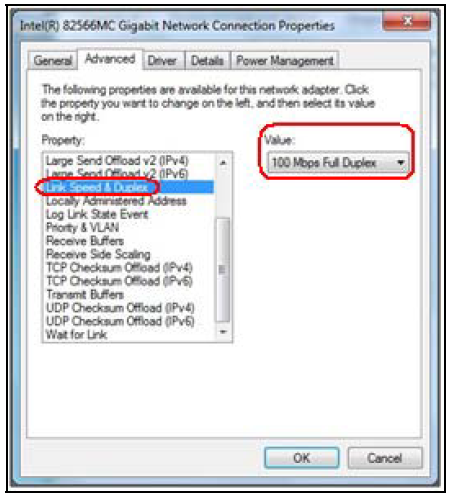
-ISP support states when the issue occurs my network card only shows 10 mbps/s compatibility.
-Restarting the router/modem does not fix the problem, however restarting my computer does. (testing on other devices shows normal connection speeds of 180 mpb/s down)
-On the router the light turns orange from green when this happens
-Rarely the speed will drop to 1mpb/s or lower allowing me to go to youtube or google but nowhere else
So if anyone has knowledge of network cards, is my card failing? is my driver bad? any help would be appreciated.
What I know:
-My internet speed will suddenly drop to 1.3 mb/s down, this seems to happen more often after excessive use/leaving computer on
-ISP support states when the issue occurs my network card only shows 10 mbps/s compatibility.
-Restarting the router/modem does not fix the problem, however restarting my computer does. (testing on other devices shows normal connection speeds of 180 mpb/s down)
-On the router the light turns orange from green when this happens
-Rarely the speed will drop to 1mpb/s or lower allowing me to go to youtube or google but nowhere else
So if anyone has knowledge of network cards, is my card failing? is my driver bad? any help would be appreciated.