- Joined
- May 8, 2008
- Messages
- 14,980

Each week you will be given a certain project to work on within Photoshop. The point of doing this is to challenge yourself to accomplish the given task and then show off the finished project to the rest of EdgeGamers. This is not a competition against other people to see who does the best but a competition against yourself.
We will be alternating between two different types of the challenge each week. One week will be a generalized "theme" (working with glass) that you must follow with the next week being a set project (vector creations). This ensures that you guys have quite a bit of freedom to create something the way you are used to, while the next is a bit more learning intensive and encourages you to think outside your element.
We will be alternating between two different types of the challenge each week. One week will be a generalized "theme" (working with glass) that you must follow with the next week being a set project (vector creations). This ensures that you guys have quite a bit of freedom to create something the way you are used to, while the next is a bit more learning intensive and encourages you to think outside your element.
_________________________________________________
This weeks project:
Theme: Depth of Field

This weeks project:
Theme: Depth of Field
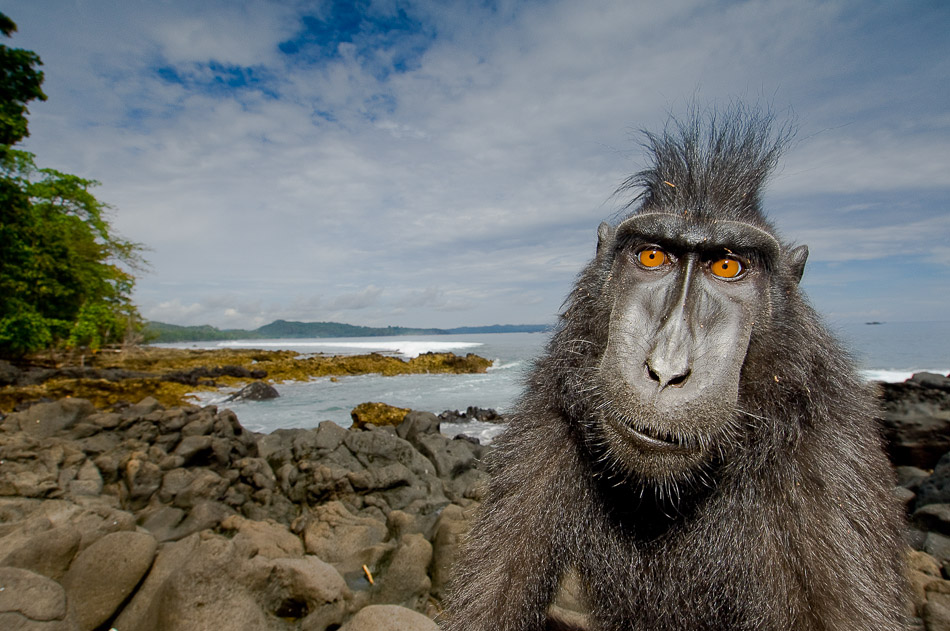
Take an object in an image and make it the focal point, blurring the background giving the image depth. Feel free to also modify the image as you feel needed (color adjustment, photo filters, etc). Please include both the original image as well as the modified image in your post.
Guidelines:
Suggested Image Size: 1920x1080
*When posting on the forums please scale in half, you may post link to the HD version.
The image you create should be something of your own idea. You shouldn't be copying other peoples art that has already been posted.
When posting include your thought behind your artwork, techniques you used, things you learned, things you thought you could have improved on.
HAVE FUN.
Guidelines:
Suggested Image Size: 1920x1080
*When posting on the forums please scale in half, you may post link to the HD version.
The image you create should be something of your own idea. You shouldn't be copying other peoples art that has already been posted.
When posting include your thought behind your artwork, techniques you used, things you learned, things you thought you could have improved on.
HAVE FUN.
Week #3 of the Photoshop challenge will end in one week - 2/28/11.
Good luck everyone have have fun! Hope to see everyone's creations soon.
Good luck everyone have have fun! Hope to see everyone's creations soon.
Last edited: