- Joined
- Oct 21, 2012
- Messages
- 313
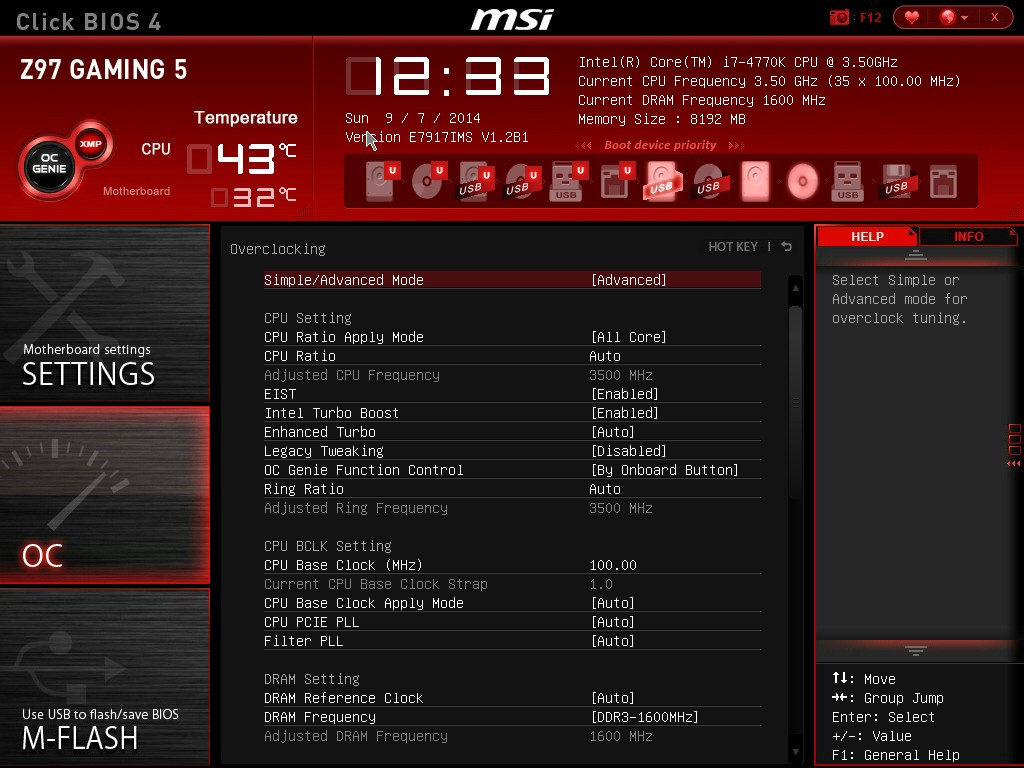
My computer has been having the problem of restarting at random times in the past, maybe once every two weeks at the most. But now, when I turn the computer on, it just kind of flashes on and off, it's hard to explain because the fans keep on going inside, but my keyboard's lights turn off and the monitor's display goes black (the monitor is still on though). I've started to call those mini-restarts, because then every 10 or 15 mini-restarts, a full restart will happen, where everything goes off, including the fans inside. So the solution I thought was obvious would be to reinstall Windows, so I put in the Windows 7 CD, but before I can get the option to run with the CD, the computer restarts, so I tried spamming F8 to see if I could get it to run in safe mode, but that didn't work either. So I removed my graphics card and tried starting it like that but still had the same result. I tried taking my ram out to see if I had dead slots in my motherboard but still had the same result. The only thing I can do is run my BIOS settings, but there's nothing I can do there besides flash my BIOS, which to be honest is a little too advanced for me. So unless there's an easy fix any of you can think of I'm just going to take it into Best Buy.
Computer Specs:
Motherboard: MSI Z97 GAMING 5
Processer: i5-4690K LGA1150
Graphics Card: GeForce GTX 960
I'm also running Windows 10
If you need anything else please ask, thanks!
Computer Specs:
Motherboard: MSI Z97 GAMING 5
Processer: i5-4690K LGA1150
Graphics Card: GeForce GTX 960
I'm also running Windows 10
If you need anything else please ask, thanks!