




- Joined
- May 4, 2020
- Messages
- 911
Example:
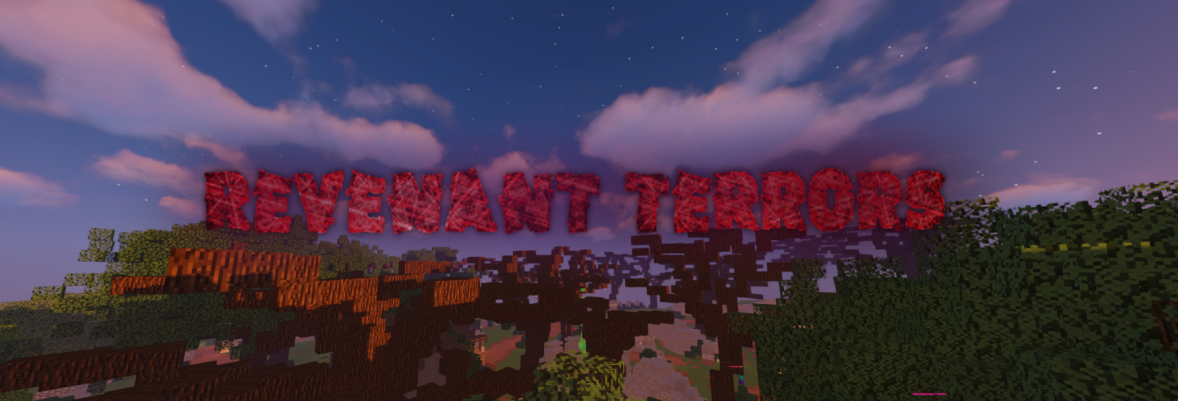
Step 1: Get your text! Go to a website to get text without any background. I use https://cooltext.com/ download the text and your done with that step.
Step 2: Get your background. What I do, is go into camera mode, then take a screenshot. As you can see in the banner above.
Step 3: Get your screenshot
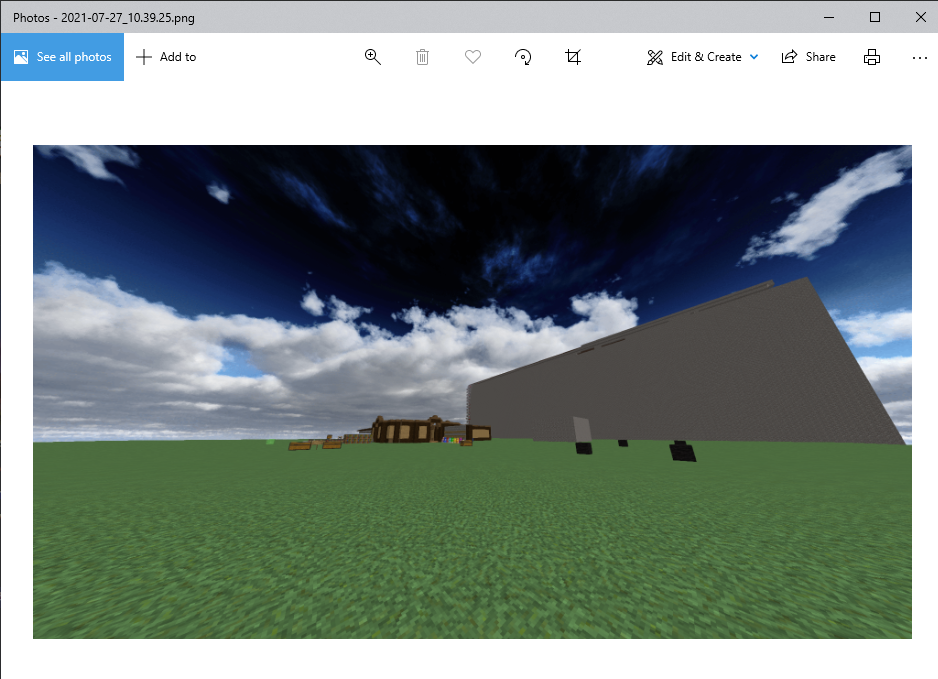 and select Edit & Create, then click Edit with Paint 3D.
Step 4: Add the text. Once its loaded, go to menu at the top left, click insert, and insert the text you have downloaded.
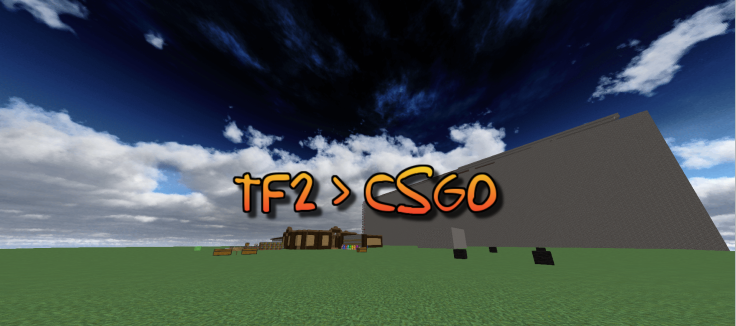
try to centre it as well as you can!
Step 5: Add some special things. Like this:
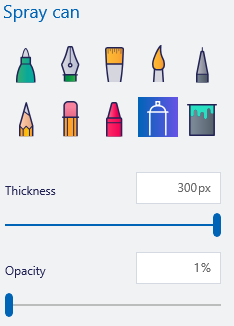
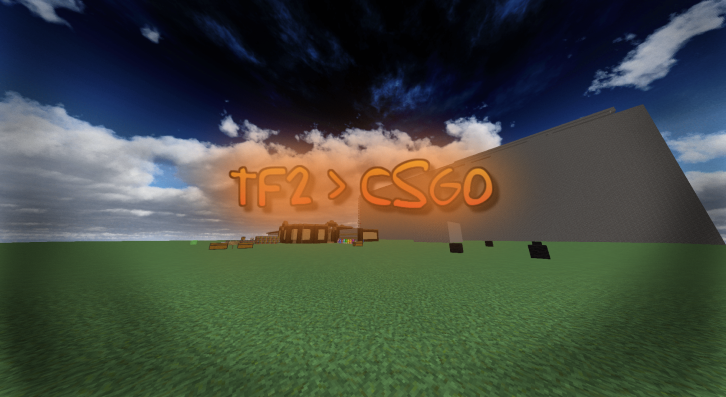 here it is!
Step 1: Get your text! Go to a website to get text without any background. I use https://cooltext.com/ download the text and your done with that step.
Step 2: Get your background. What I do, is go into camera mode, then take a screenshot. As you can see in the banner above.
Step 3: Get your screenshot
Step 4: Add the text. Once its loaded, go to menu at the top left, click insert, and insert the text you have downloaded.
try to centre it as well as you can!
Step 5: Add some special things. Like this:
Last edited:





