




- Joined
- Mar 6, 2021
- Messages
- 320
1. First You Will Need To Find The Post You Would Like To Report
 2. Click The Report Button On The Post You Want To Report
 3. Type Your Reason In The Box Above
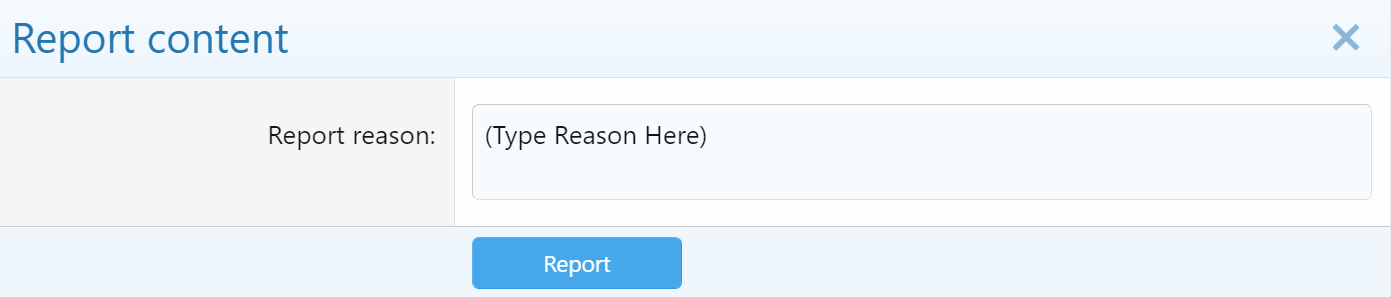
4. Press The "Report" Button
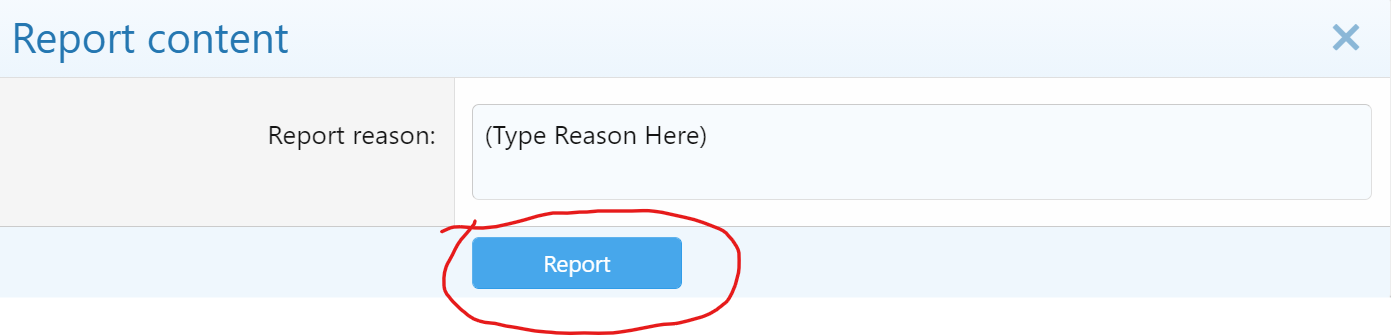
The Report Will Be Automatically Sent To The Forum Admins.
 Credit To: TomSL, And Arbiter
And Please Don't Joke/False Report A Fourm Post!!!
4. Press The "Report" Button
The Report Will Be Automatically Sent To The Forum Admins.
And Please Don't Joke/False Report A Fourm Post!!!
Last edited:




 Lol.
Lol.


