Hurray mapping fun!
Here's Alpha 1 of my greenscreen map:
http://autodmc.org/eGO/greenscreen/greenscreen.zip
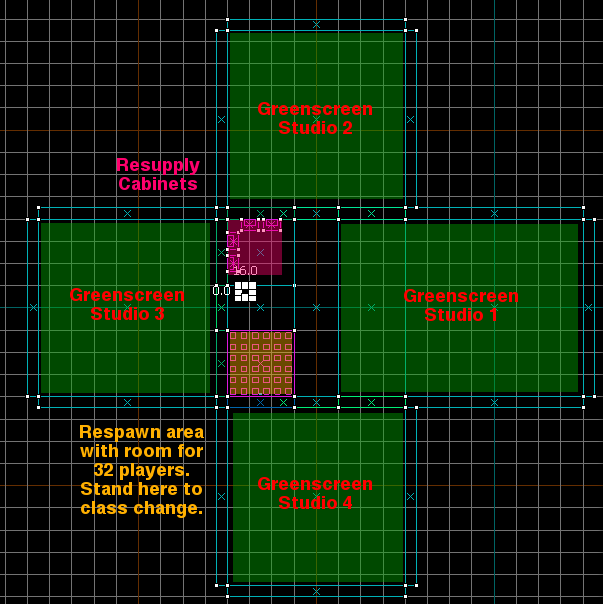
My greenscreen map has four greenscreen studios, a respawn/class switch area, and four medical cabinets:
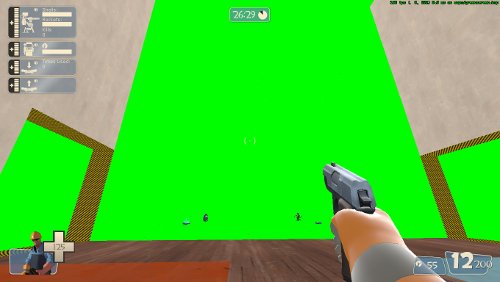
Studio One is open to the front of the spawn area, and is HUGE. Crit sticky jump with a demo just BARELY hits the cieling. The floor is just as long:
Dispenser and Sentry in the corners, teleporters halfway in. Huge.
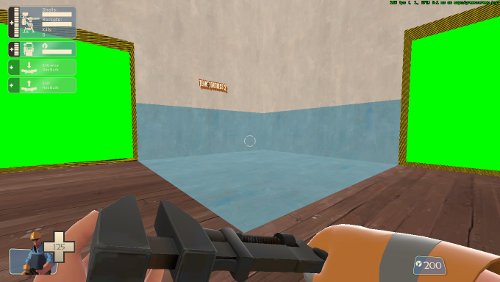
Respawn area over here. If you're within the blue flooring, you can class switch. Both teams spawn here. (The decal is gone in the real map, though)
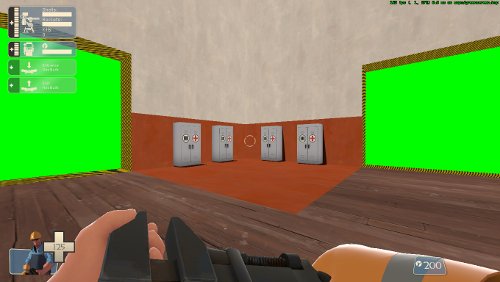
Cabinets are over here. All four are fully functional.
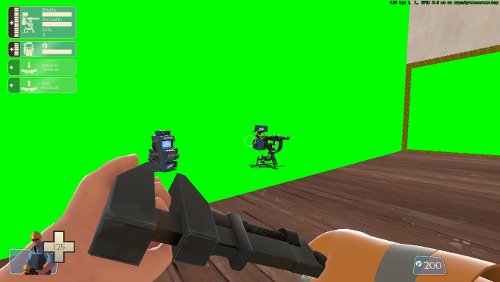
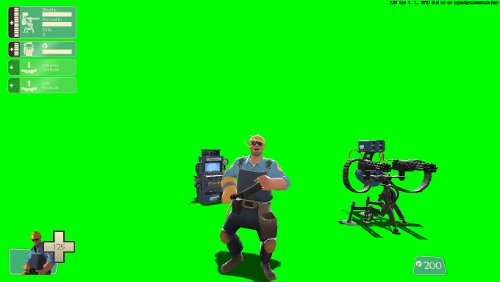
Here's some props set up in the greenscreen for an epic shot.
Position the camera to cut out the non-green areas, and...
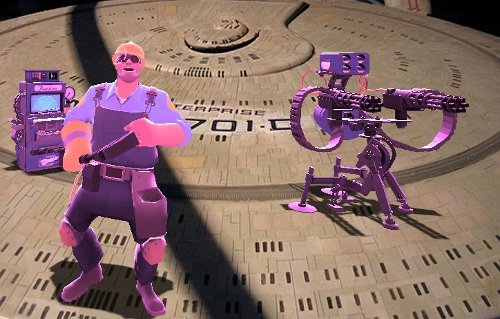
Ha ha ha ha ha! HA! Ha ha ha haaaaaha...
By not putting any dynamic lights on the map, Source uses a global light that lights everything up equally, exactly what you want a greenscreen set to do (video studio training FTW! Yay! Finally get to use that $30k degree.)
The map runs normally in TF2, so you don't need to noclip (although the room is certainly big enough to noclip in).
Even more awesome, TF2 automatically lights models with backlighting which pulls them off the greenscreen background. With real greenscreens you get hours and hours of fun pointing lights to get the same effect.
Studios 2, 3, and 4 are green on all walls except for the hole to allow passage. So you can set up multiple scenes, and shoot 'em all at once, or just have 'em ready, whatever.
Quick, rough greenscreening:
Recommendations for the next step, optomizations, etc, would be welcome.
I wanted to add signs "RESUPPLY", etc, but was having a bit of trouble with that bit. I was also going to spawn some intel briefcases (for epic chase scenes), but the docs on the Valve wiki are a bit vague, so ideas for those would be great.
You'll wanna make it an insta spawn

Lemmie know what you think, bug reports, etc. It's Alpha.




 (I'm not trying to sound evil for volunteering him but I know he enjoys 3D work here and there, and he's trying to get used to the map editor anyway lol)
![=[Ga]= AutoDMC](https://gravatar.com/avatar/12a9fc53f7faa5623bdd75f9aec2029ad6f6c6571bc1bd1d6ba045600ac8689d?s=96)